We Deleted All Meetings and Deploy These 4 Simple Systems Instead
If you haven’t read part one of how we built a 7-figure company with zero meetings, start here.
Let’s be honest, most people hate meetings. They’re viewed as a “necessary evil” that suck up a huge amount of the team’s time. And they quickly spiral out of control so quickly that you’re forced to squeeze in pockets of time to actually work!
But this raises the obvious question: Without meetings, how does anyone know what’s happening?
The Team Behind the No-Meeting Experiment
You’re probably wondering: are we doing this with three people or three hundred? At the time of writing, our core team consists of 9 part-time people:
- 2 full stack developers (1 is a founder)
- 1 product designer
- 3 customer service people
- 1 marketing/business operations (founder, me)
- 1 person who oversees SEO (link building, writing articles, updating article, etc)
- 1 general marketing support
No one is full-on full time, and people are varying degrees of part-time. Most work 10–20 hours per week.
Most people have their own business or other clients, but not everyone does. In the past I had the belief that you only got people’s best work if they worked only for you. I now have proof this isn’t true. Actually, I think having other clients often means even better work from our team.
We also have more regular and irregular freelancers we work with — for example, our bookkeeper and the writers who write our blog posts.
We don’t have anyone in a typical management role. We also don’t have anyone junior. I don’t think our style of running the business would work with junior people that need a lot of training and feedback — because we don’t give a lot of training or feedback! 😅
Now, let’s dive into how we actually stay coordinated without a single meeting.
How Do People Know What’s Going on Without Meetings?
Internal Work In Public
The first and most important way that people keep abreast of what’s happening is a kind of internal work-in-public. I used to think this was a given for all remote companies, until I kept meet humans who proved me wrong. Shout-out to that guy who ran his entire company on a hodge-podge of random whatsapp groups and messages! (As you can guess, we were discussing it because it wasn’t working super well.)
Our work happens in github for anything product, and clickup for everything else.
BTW I don’t think there’s anything special about these tools, and our product team doesn’t particularly even love github that’s just where other work was happening already so it just made sense to centralise everything there. ClickUp has some cool automation features, and we store our documentation there. But honestly, it doesn’t matter whether you use Monday, Basecamp, Asana, or any other tool.
The important part is having work visible to everyone. What is everyone else on the team doing? Look at the clickup boards, or search their name, or just have a poke through clickup.
Note that for this to work your system has to be full of ACTUAL work, not a bunch of abandoned tasks. I’ve seen companies whose task management systems are full of theoretical work that never gets done, while people actually work in Slack DMs and emails. We are not the same.
(I go in detail on my personal clickup/weekly planning process in this post.)
Slack Based Stand-Ups
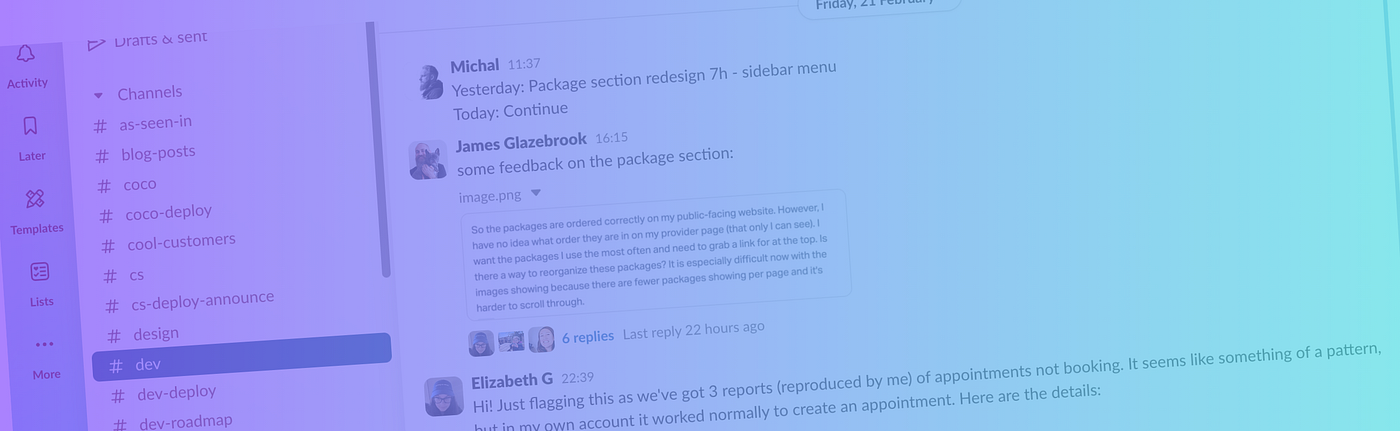
Many people on the team also post what they’ve done each day in slack.
Here’s an example:

These kinds of ‘stand-ups,’ at the start or end of the day, are essential for remote teams. Not only do they give an update on what’s happening, but they’re an easy check to make sure someone doesn’t ghost for weeks before someone notices!
Working remotely with no evidence doesn’t work. Full stop.
One of the most common questions/complaints I get from founders about their remote team is “they just disappear and I have no idea what’s going on”. That’s why daily visibility is so important.
Our CS team posts an update in slack every day they work that often just says “emails”. It looks like this:
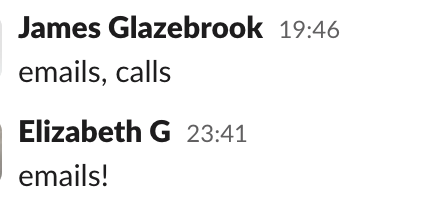
One big reason for this is so that, as a founder, I know the inbox is being tended to every day. If I didn’t get this update, a week could go by with nothing being answered in Help Scout, and I would have no idea. So this is something that takes 5 seconds from the team and lets me and everyone else know that things are churning along.
Weekly Summary
I post a summary of what happened the week before in slack each Monday. Here’s a snippet from a recent week (there is also a product section, and I usually include a nice thing a customer has said about us recently)
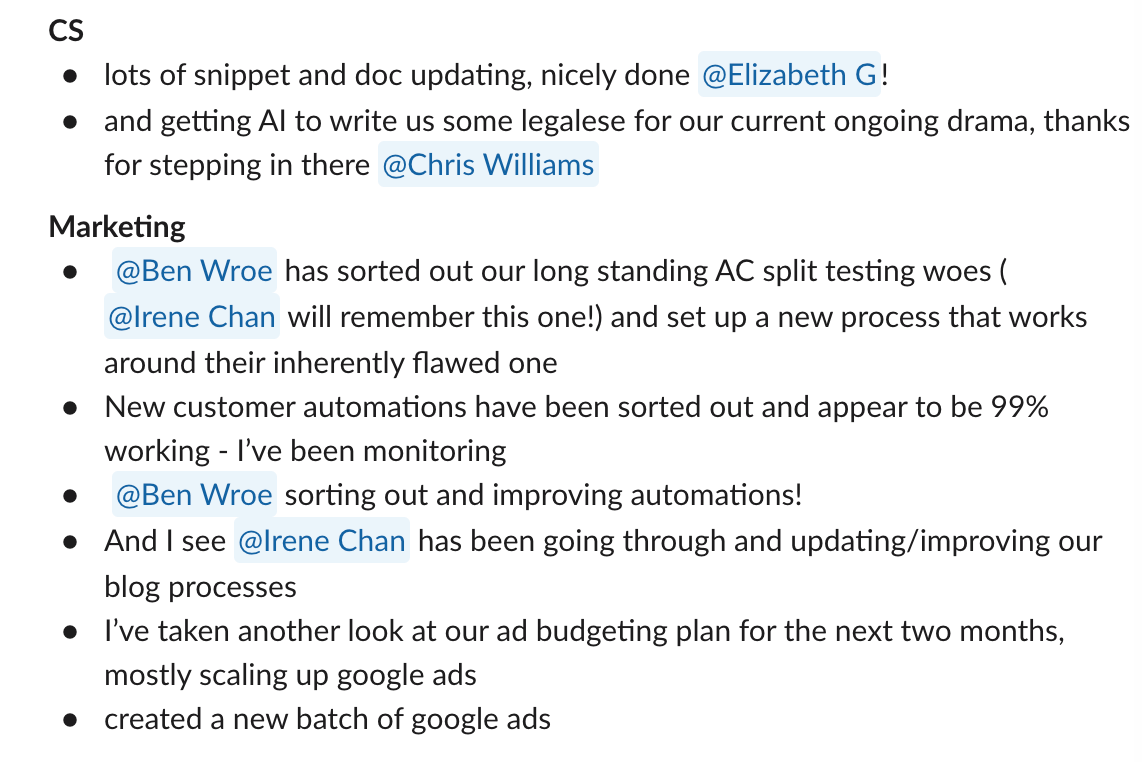
I pull the weekly update together using my clickup ‘Completed’ board and by going through Slack for the previous week. It usually takes me about 20 minutes and gives me a chance to make sure nothing has slipped through the cracks.
Public Slack Data Feeds
Here’s some of the data that we feed into slack:
- Every new customer
- Every helpscout rating
- Every cancellation and reason
- Every deploy
This kind of public data helps both personal accountability (if you get a bad rating it’s on display for everyone to see!) as well as another source the team can check to get a feel for what’s going on.
Note that no one is expected to read everything in slack, and we still follow the “calm slack” principles I laid out in this article.
In next week’s article, I’ll explain how we handle work assignments and decision-making without managers or meetings. If you have specific questions you’d like me to address, drop them in the comments!